AI Image Generator Without Signup: How to Create Images Free in 2026
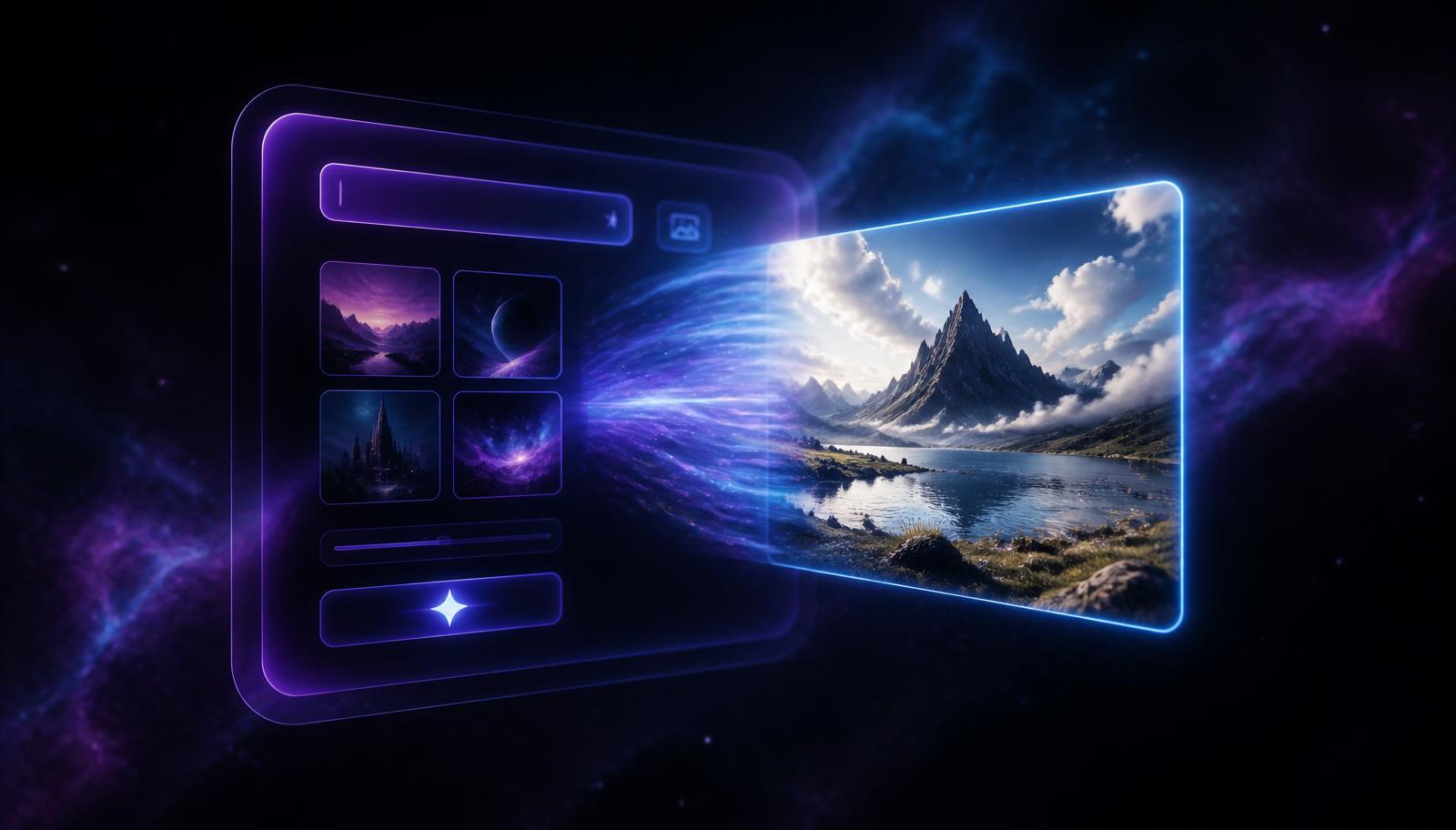
If you just want to see whether AI images are good enough for your store, ad or blog post, an account wall is friction you don't need. Here is how an AI image generator without signup actually works, what the honest limits are, and how to get usable, commercial-quality output on your first try.
What 'without signup' really means
A no-signup AI image generator runs your prompt on a hosted model and returns the finished image to your browser — no email verification, no password, no onboarding survey. The cost of running the model is real, so tools that offer this almost always cap the number of free generations per visitor. XM Promo Services gives you three full-resolution images with no account at all.
That cap exists for one reason: abuse. Without any identity signal, a single script could burn thousands of dollars of GPU time in an hour. A small free allowance keeps the door open for genuine users while keeping the tool online.
- No email, no password, no credit card for your first three images
- Full-resolution downloads, not blurred previews
- Commercial use allowed on the images you generate
- 50 credits added the moment you do create a free account
How to write a prompt that works the first time
The single biggest quality jump comes from describing subject, setting, lighting and lens in one sentence instead of naming a subject alone. 'A water bottle' produces stock-photo mush. 'A matte black insulated water bottle on a wet slate countertop, morning window light, 50mm lens, shallow depth of field' produces something you could put in a Shopify listing.
Add the output's job at the end of the prompt. Phrases like 'clean product photo for an ecommerce listing' or 'thumbnail for a YouTube review' steer composition and negative space in a way that style words alone never do.
- Subject first, then setting, then lighting, then lens or camera
- Name a real material — brushed aluminium, linen, frosted glass
- State the aspect ratio you actually publish at (1:1, 4:5, 9:16)
- Say where the image will be used so the model leaves room for text
When the free tier stops being enough
Three images is enough to test quality. It isn't enough to run a product catalogue or a paid social calendar. Once you're iterating — same product, six angles, three backgrounds — you want a saved history, higher-detail renders and a credit balance you can plan around.
That's what a free XM Promo Services account adds: 50 credits, saved generations, and one wallet that also covers AI UGC video ads. Simple prompts cost 1 credit; heavy, highly detailed prompts cost 5.
Is it legal to use AI images commercially in the US and Canada?
In both countries you can generally use AI-generated images in advertising and on product pages, but purely AI-generated work is not eligible for copyright registration on its own in the US, and the Canadian position is similarly unsettled. Practically that means you can publish and sell with AI images, but you cannot rely on exclusivity over the exact image.
Two rules keep you safe: never generate a real person's likeness or a competitor's trademarked logo, and disclose AI use where a platform requires it — Meta and TikTok both ask advertisers to label realistic AI content.
Frequently asked questions
Can I really use an AI image generator without signing up?
Yes. XM Promo Services's generator runs three full generations per visitor with no account, no email and no card. After that you create a free account and receive 50 credits.
Are the free images watermarked?
No. The images you download from the free generator are clean, full-resolution PNG files.
How many credits does an image cost after signup?
A simple prompt costs 1 credit and a heavy, highly detailed prompt costs 5 credits, so 50 signup credits go a long way.
Try it yourself — no signup needed
Generate 3 free AI images right now with no account. Create a free account afterwards and get 50 credits for images and UGC video ads.